AI for a renovation brief: better questions before the first site visit
Organise wishes without prescribing solutions
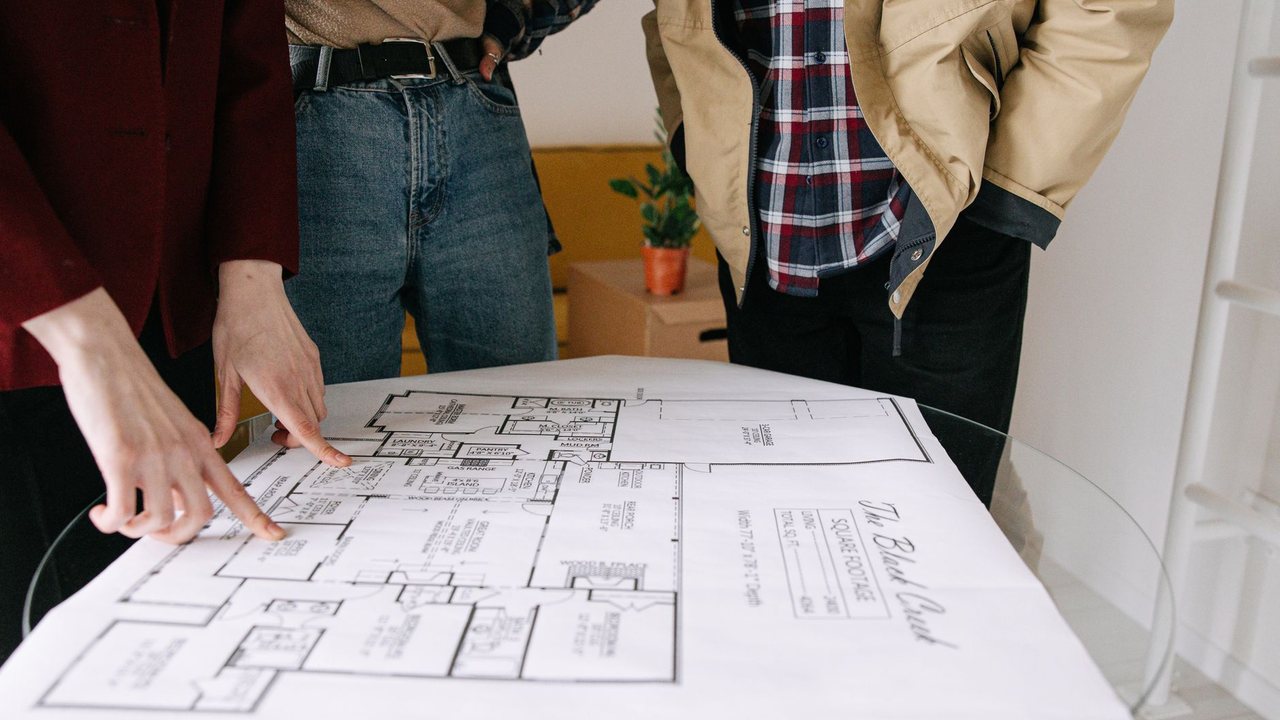
An AI-assisted renovation brief can help an owner explain their needs before the first visit. Its role is to organise goals, constraints and questions, not decide how the building should be altered. I want more daylight describes a need; demolish this wall proposes a solution requiring assessment. Preserve that distinction from the outset. The contractor receives a clearer enquiry when it understands the practical problem, priorities and missing information. Polished wording does not replace measurements, technical assessment or discussion with the people who will use the property.
Start with five headings: how the home is used, what does not work, what should be retained, which dates constrain the project and which decisions remain open. AI can summarise answers and identify contradictions, but should retain them as questions. If one person wants to keep the kitchen while another wants a new layout, do not choose for them. Flag the disagreement for the visit. Autodesk's resource-planning guidance concerns coordinating information and work; the brief is an input to that coordination, not an automatic design or a promised completion date.
Photos and measurements with their certainty stated
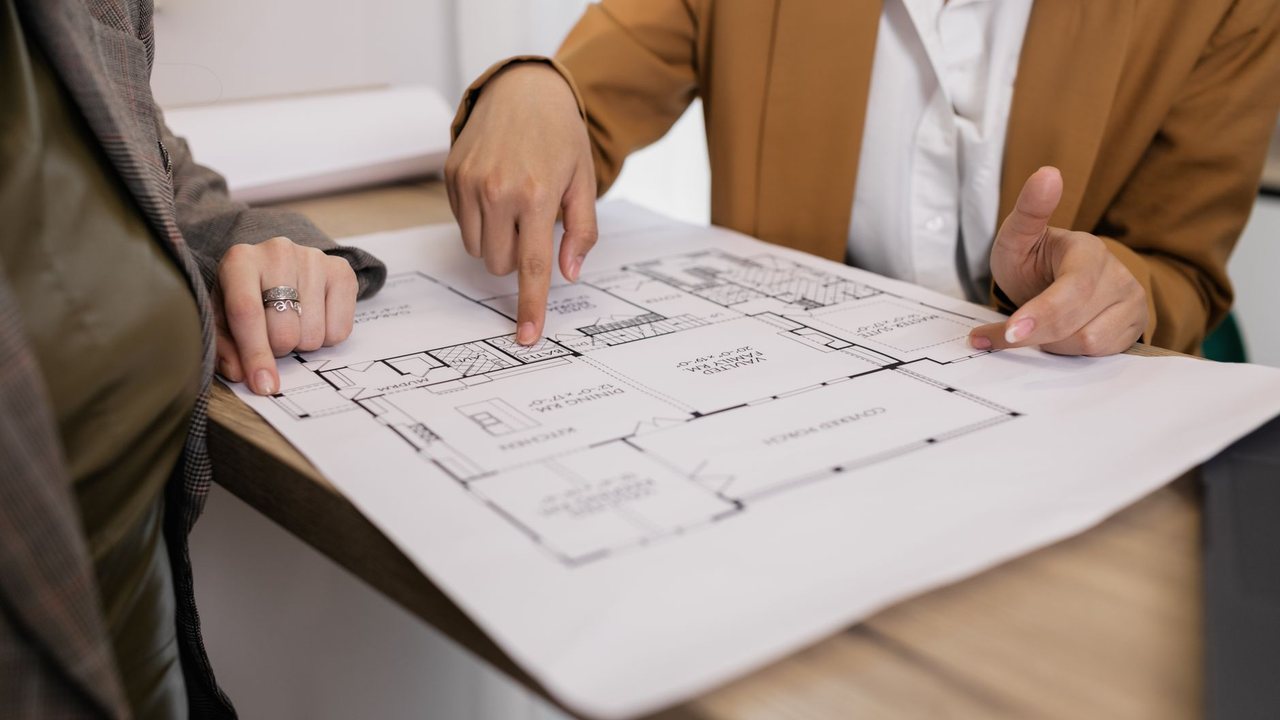
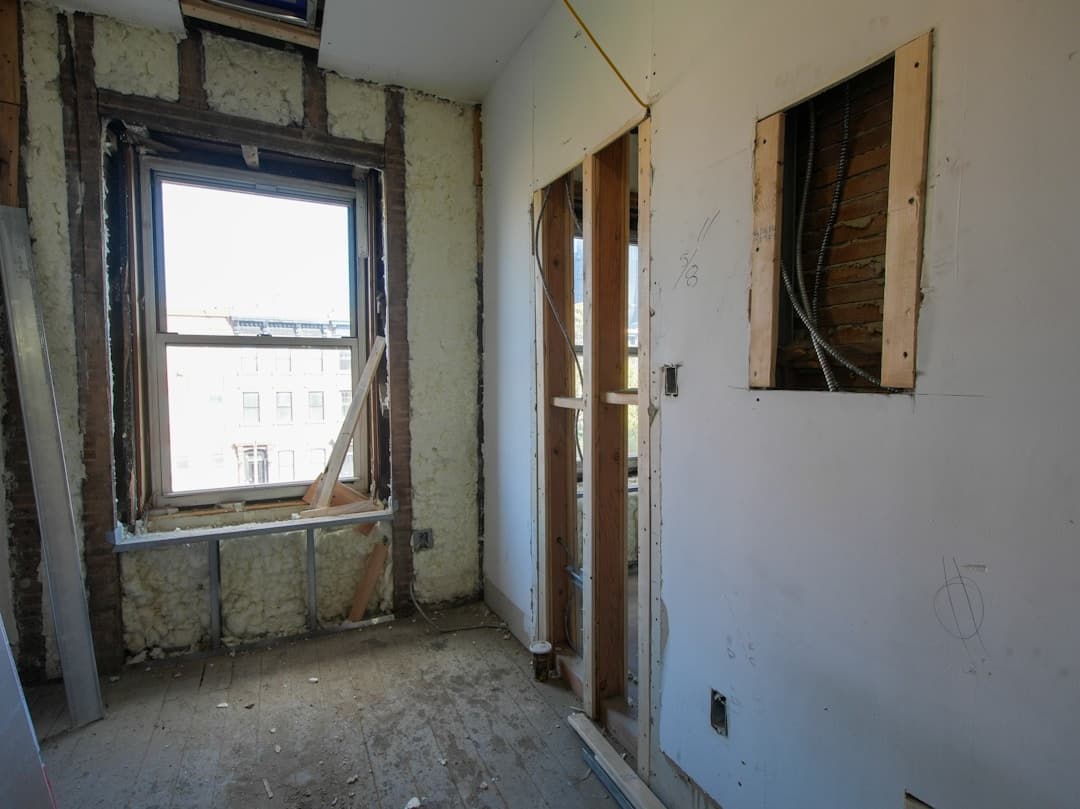
Attach overview and detail photographs explaining the problem, avoiding personal documents and irrelevant belongings. Identify each room and distinguish an owner's measurement from one verified by a professional. Do not let AI calculate areas from an unscaled photograph or treat an inspiration image as a real plan. State when drawings do not exist. Mark unknown services as requiring inspection. Incomplete information is useful when clearly labelled; invented information can steer the entire proposal towards the wrong solution. Keep the original images available beside their descriptions.
For a second home in Altea, the brief can include availability for visits, the person providing access and intended use between stays. It does not need alarm codes or key copies. Connect the objective to the renovation design service and full home renovation guide. If the commission concerns only a kitchen or bathroom, state that explicitly. The guides help explain services and questions, but their ranges should not become a personalised offer without checking starting condition, access and scope.
Use the visit to resolve questions, not confirm assumptions
Request an output containing priorities, supplied information, contradictions and questions for each trade. Prevent the model from recommending changes to structure, services or shared building elements without assessment. The visit should establish what is feasible and what documentation is needed. If the client states a maximum budget, retain it as their declared limit, not a professional estimate. Do not use it to fill work items until the allowance is exhausted. The professional should explain options, exclusions and constraints so the owner can make an informed decision.
After the visit, separate the initial brief from verified findings and prepare a new version. Record what changed and why. The AI roadmap for renovation businesses guides assistant use; contingency and extra-work planning helps distinguish an initial uncertainty from an approved change. Evaluate the pilot by asking whether the visit resolved more relevant questions, not whether the document became longer. A good brief reduces ambiguity while keeping decisions that cannot yet be made visible to everyone involved.
An example to test the workflow
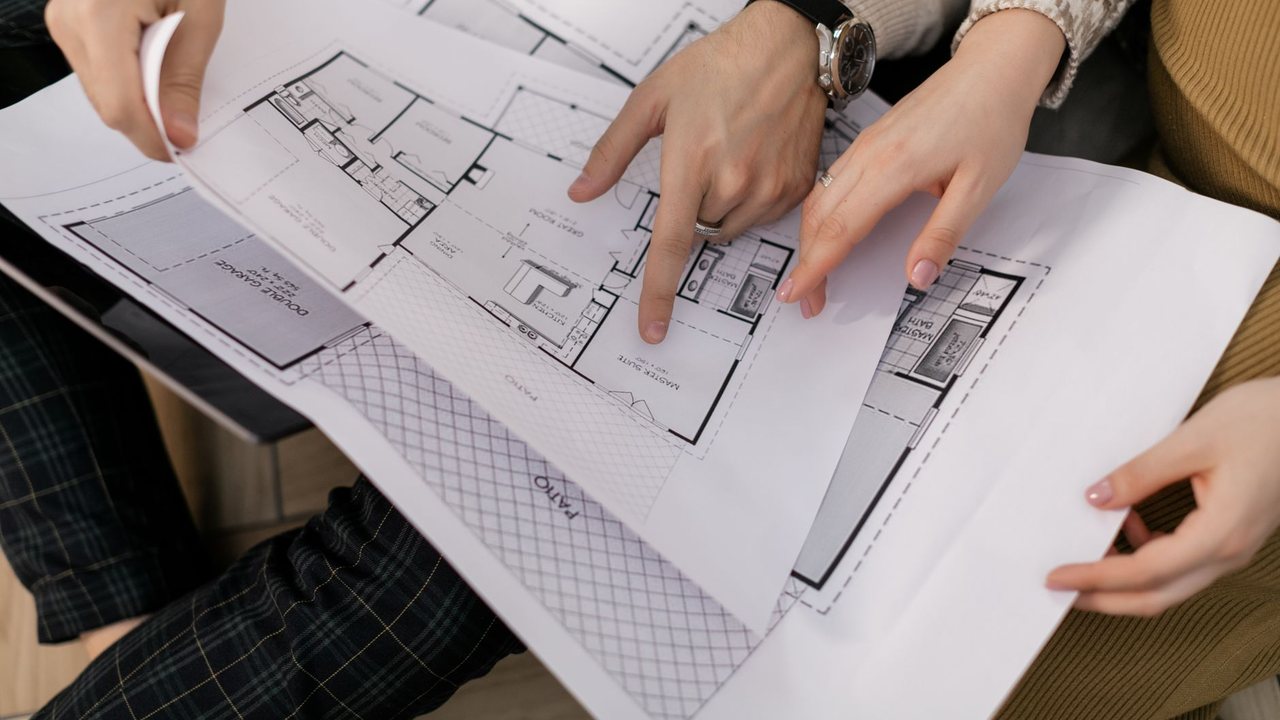
Example test: an owner wants an open kitchen while keeping all cabinetry, but supplies no measurements or drawing. A useful output records both goals, asks for compatibility to be checked and prepares questions for the visit. It does not create a definitive design or state that the wall can be removed. Add a preferred move-in date and verify that it remains a client preference rather than a contractor commitment. This exercise reveals whether the assistant distinguishes needs, assumptions and facts. If it mixes them, simplify the template before using it with real homeowner enquiries.
Source and pilot boundaries
Reference consulted: Autodesk. The workflow is Reformia's editorial proposal, not an announced product feature or a promise of results.
Before using real data, review access, retention and the AI provider's terms with your company's responsible person. Start with synthetic or anonymised information. The pilot must allow drafts to be corrected or rejected, original documents to be retrieved and work to continue manually if the service fails. Do not connect payments, purchases or external communications without specific human approval.
Pilot checklist
- 1Prioritise needsObjective
Describe practical problems and elements to retain. Separate aesthetic preferences from requirements the professional needs to verify.
- 2Mark uncertaintyInformation
Identify approximate measurements, unknown services and pending decisions. Do not fill gaps with solutions nobody has reviewed.
- 3Conclude the visitFollow-up
Request a summary of checks and next steps. Keep the original brief beside its revision and confirm who decides each open item.
Frequently asked questions
Is the brief a technical design?
Can photographs produce an exact price?
Must I already know which materials I want?


You may also like
Show All Articles
Measuring AI savings in a renovation business: a pilot using your own evidence
Measure real AI savings in a renovation business: compare time, corrections and pilot costs before expanding tasks or subscribing to additional tools.
Subscribe to our newsletter
And get a weekly digest of projects, bidding tips, and key platform updates straight to your inbox.
AI for renovation variations: extras, versions and client approval
Record renovation variations with AI without automatically approving extras: identify requests, compare versions and confirm scope, cost and time with clients.

Translating renovation quotes with AI: Spanish and English without scope changes
Translate renovation quotes with AI for overseas clients: preserve prices, units and exclusions and review technical terms in Spanish and English.

AI for construction delivery notes: distinguish receipt from invoicing
Organise construction delivery notes with AI: extract references, check quantities and partial deliveries, and separate receipt, acceptance and invoices.
AI for renovation snagging photos: organise issues without replacing inspection
Organise renovation snagging photos with AI: identify rooms and evidence, preserve original images and avoid automatic diagnoses or issue closure.
Measuring AI savings in a renovation business: a pilot using your own evidence
Measure real AI savings in a renovation business: compare time, corrections and pilot costs before expanding tasks or subscribing to additional tools.
AI for renovation variations: extras, versions and client approval
Record renovation variations with AI without automatically approving extras: identify requests, compare versions and confirm scope, cost and time with clients.
Translating renovation quotes with AI: Spanish and English without scope changes
Translate renovation quotes with AI for overseas clients: preserve prices, units and exclusions and review technical terms in Spanish and English.
Subscribe to our newsletter
And get a weekly digest of projects, bidding tips, and key platform updates straight to your inbox.
AI for construction delivery notes: distinguish receipt from invoicing
Organise construction delivery notes with AI: extract references, check quantities and partial deliveries, and separate receipt, acceptance and invoices.
AI for renovation snagging photos: organise issues without replacing inspection
Organise renovation snagging photos with AI: identify rooms and evidence, preserve original images and avoid automatic diagnoses or issue closure.
Measuring AI savings in a renovation business: a pilot using your own evidence
Measure real AI savings in a renovation business: compare time, corrections and pilot costs before expanding tasks or subscribing to additional tools.
AI for renovation variations: extras, versions and client approval
Record renovation variations with AI without automatically approving extras: identify requests, compare versions and confirm scope, cost and time with clients.
Subscribe to our newsletter
And get a weekly digest of projects, bidding tips, and key platform updates straight to your inbox.
Translating renovation quotes with AI: Spanish and English without scope changes
Translate renovation quotes with AI for overseas clients: preserve prices, units and exclusions and review technical terms in Spanish and English.
AI for construction delivery notes: distinguish receipt from invoicing
Organise construction delivery notes with AI: extract references, check quantities and partial deliveries, and separate receipt, acceptance and invoices.
AI for renovation snagging photos: organise issues without replacing inspection
Organise renovation snagging photos with AI: identify rooms and evidence, preserve original images and avoid automatic diagnoses or issue closure.