Measuring AI savings in a renovation business: a pilot using your own evidence

Measure the complete task, not model speed
Measuring AI savings in a renovation business means comparing completed, reviewed work. A draft generated in seconds may need more correction than the usual template. Choose a specific, repeated task: preparing a visit summary, organising quotations or locating documents. Do not combine every activity into one productivity figure. NIST's risk framework supports evaluating systems in their context of use; here that becomes a simple operational pilot using the company's own evidence and criteria established before testing the tool. Vendor demonstrations are not a substitute for those measurements.
Record how the task is performed today: preparation, searching, drafting, review and later correction time. Include easy and difficult cases rather than only tidy examples. Define done as a correct document, complete information and responsible-person approval. Then compare equivalent cases using the assisted workflow. Where volume allows, alternate methods or use historical files to reduce the effect of someone already knowing the answer. A small pilot informs a decision, but does not prove stable savings across the entire business. Keep its limits explicit in the conclusion.

Time, quality and cost in one record
Use one record per case showing total minutes, meaningful corrections, omitted information, acceptance or rejection and usage cost where available. Separate stylistic issues from errors changing scope, price, date or recipient. An attractive document with a wrong amount does not earn a good score. Calculate net time saved by subtracting all preparation, generation, review and repair time in the new workflow from the usual task duration. Retain failures: excluding them would make the tool appear more useful than it actually was during real work.
Costs include subscription, setup, training and process maintenance, not just model usage. For an Alicante contractor preparing multi-trade proposals, assess a full home renovation separately from a bathroom renovation: their complexity differs. The guides describe services, not the profitability of automating them. Do not convert released minutes into guaranteed revenue; the benefit may be faster responses, less administration or additional time to review site work. State which outcome the pilot is actually trying to improve.
Decide when to continue and when to stop
Set criteria before seeing results: which errors stop the pilot, which review is mandatory and what minimum improvement would justify continuing. Do not copy another company's threshold as though it were universal. If the workflow creates false commitments, exposes information or mixes project records, investigate before expanding even if it saves time. If it fails only on scanned documents, limiting the pilot to readable files may be sensible. The decision need not be all or nothing; narrowing scope can produce a tool that is easier to control.
Document the decision and repeat a sample when the model, template or document type changes. Connect the pilot to the construction AI roadmap and supervised project planning. Do not use the record to rank workers using incomplete data: evaluate the process and its conditions. Tell the team which tasks worked, which remain manual and who handles issues. Adoption improves when people can report errors without artificially damaging their own evaluation. A useful pilot should make problems easier to see, not harder to disclose.
An example to test the workflow
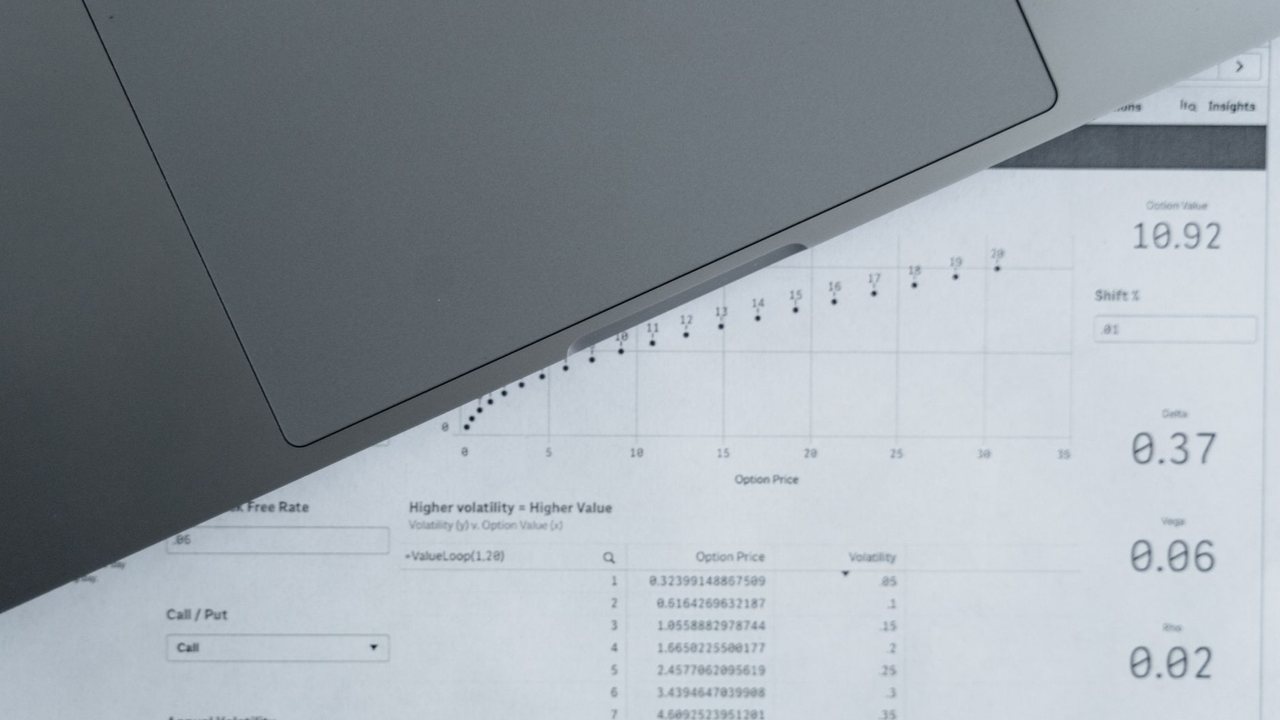
Example record: a manual task takes twenty minutes, while the assisted version requires five for preparation, two for generation and nine for review. Observed savings are four minutes, not eighteen. These are fictional figures explaining the method, not Reformia results. If a later error takes another six minutes to fix, that case no longer saves time. Apply the same rule to every case and report how many examples were assessed. An average without sample size, variation or failures can conceal that the process works only with unusually straightforward documents.
Source and pilot boundaries
Reference consulted: NIST. The workflow is Reformia's editorial proposal, not an announced product feature or a promise of results.
Before using real data, review access, retention and the AI provider's terms with your company's responsible person. Start with synthetic or anonymised information. The pilot must allow drafts to be corrected or rejected, original documents to be retrieved and work to continue manually if the service fails. Do not connect payments, purchases or external communications without specific human approval.
Pilot checklist
- 1Choose one taskBaseline
Define inputs, output and approval owner. Use representative cases and record the usual method before introducing AI.
- 2Count correctionsMeasurement
Measure the complete process and classify errors by impact. Include rejected cases, retries and later repair work.
- 3Review the decisionFollow-up
Compare benefits and costs against agreed criteria. Keep a manual fallback and repeat testing when configuration changes.
Frequently asked questions
How much should it save?
Is counting generated documents enough?
When should I retest?


You may also like
Show All Articles
AI for a renovation brief: better questions before the first site visit
Prepare a renovation brief with AI: organise goals, photos and questions, separate preferences from requirements and avoid inventing a project budget.
Subscribe to our newsletter
And get a weekly digest of projects, bidding tips, and key platform updates straight to your inbox.

AI for renovation variations: extras, versions and client approval
Record renovation variations with AI without automatically approving extras: identify requests, compare versions and confirm scope, cost and time with clients.

Translating renovation quotes with AI: Spanish and English without scope changes
Translate renovation quotes with AI for overseas clients: preserve prices, units and exclusions and review technical terms in Spanish and English.

AI for construction delivery notes: distinguish receipt from invoicing
Organise construction delivery notes with AI: extract references, check quantities and partial deliveries, and separate receipt, acceptance and invoices.

AI for renovation snagging photos: organise issues without replacing inspection
Organise renovation snagging photos with AI: identify rooms and evidence, preserve original images and avoid automatic diagnoses or issue closure.
AI for a renovation brief: better questions before the first site visit
Prepare a renovation brief with AI: organise goals, photos and questions, separate preferences from requirements and avoid inventing a project budget.
AI for renovation variations: extras, versions and client approval
Record renovation variations with AI without automatically approving extras: identify requests, compare versions and confirm scope, cost and time with clients.
Translating renovation quotes with AI: Spanish and English without scope changes
Translate renovation quotes with AI for overseas clients: preserve prices, units and exclusions and review technical terms in Spanish and English.
Subscribe to our newsletter
And get a weekly digest of projects, bidding tips, and key platform updates straight to your inbox.
AI for construction delivery notes: distinguish receipt from invoicing
Organise construction delivery notes with AI: extract references, check quantities and partial deliveries, and separate receipt, acceptance and invoices.
AI for renovation snagging photos: organise issues without replacing inspection
Organise renovation snagging photos with AI: identify rooms and evidence, preserve original images and avoid automatic diagnoses or issue closure.
AI for a renovation brief: better questions before the first site visit
Prepare a renovation brief with AI: organise goals, photos and questions, separate preferences from requirements and avoid inventing a project budget.
AI for renovation variations: extras, versions and client approval
Record renovation variations with AI without automatically approving extras: identify requests, compare versions and confirm scope, cost and time with clients.
Subscribe to our newsletter
And get a weekly digest of projects, bidding tips, and key platform updates straight to your inbox.
Translating renovation quotes with AI: Spanish and English without scope changes
Translate renovation quotes with AI for overseas clients: preserve prices, units and exclusions and review technical terms in Spanish and English.
AI for construction delivery notes: distinguish receipt from invoicing
Organise construction delivery notes with AI: extract references, check quantities and partial deliveries, and separate receipt, acceptance and invoices.
AI for renovation snagging photos: organise issues without replacing inspection
Organise renovation snagging photos with AI: identify rooms and evidence, preserve original images and avoid automatic diagnoses or issue closure.